







See the confirmation email you receive after checkout
Zero surprises. Your QR, install button, manual details, invoice, and support are packaged in one clear message so you can get online in minutes.
- Instant QR and iOS auto-install button that also works via scan on Android.
- Manual SM-DP+ address, activation code, PIN/PUK right under the QR.
- Invoice download link and dashboard access to monitor usage.
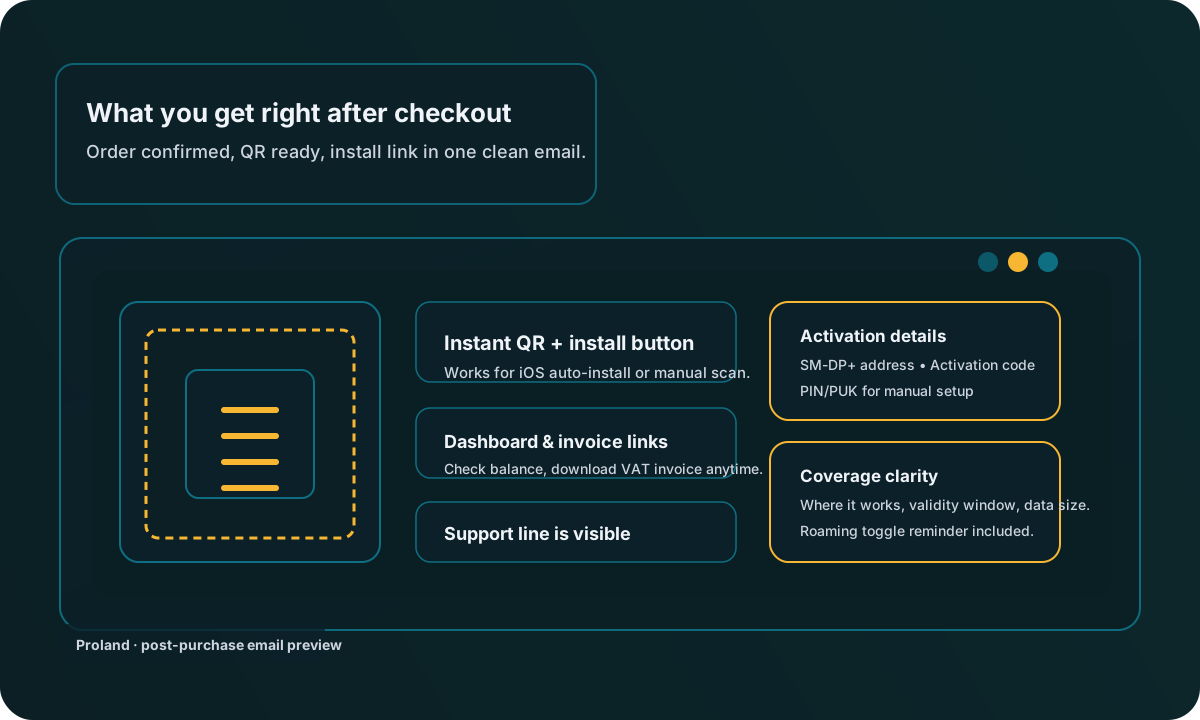
What the email contains
Every Proland confirmation email follows the same transparent layout:
Clear header
Subject line with transaction ID, destination, and amount so it is easy to find later.
QR + auto-install
A scannable QR plus a one-tap “Install eSIM” button for iOS 17.4+.
Manual details
SM-DP+ address, activation code, PIN/PUK, APN reminder for manual setup.
Invoice & dashboard
Direct links to download your invoice and open the eSIM dashboard to track data.
Support in the footer
24/7 contact email and short checklist if something is not working.
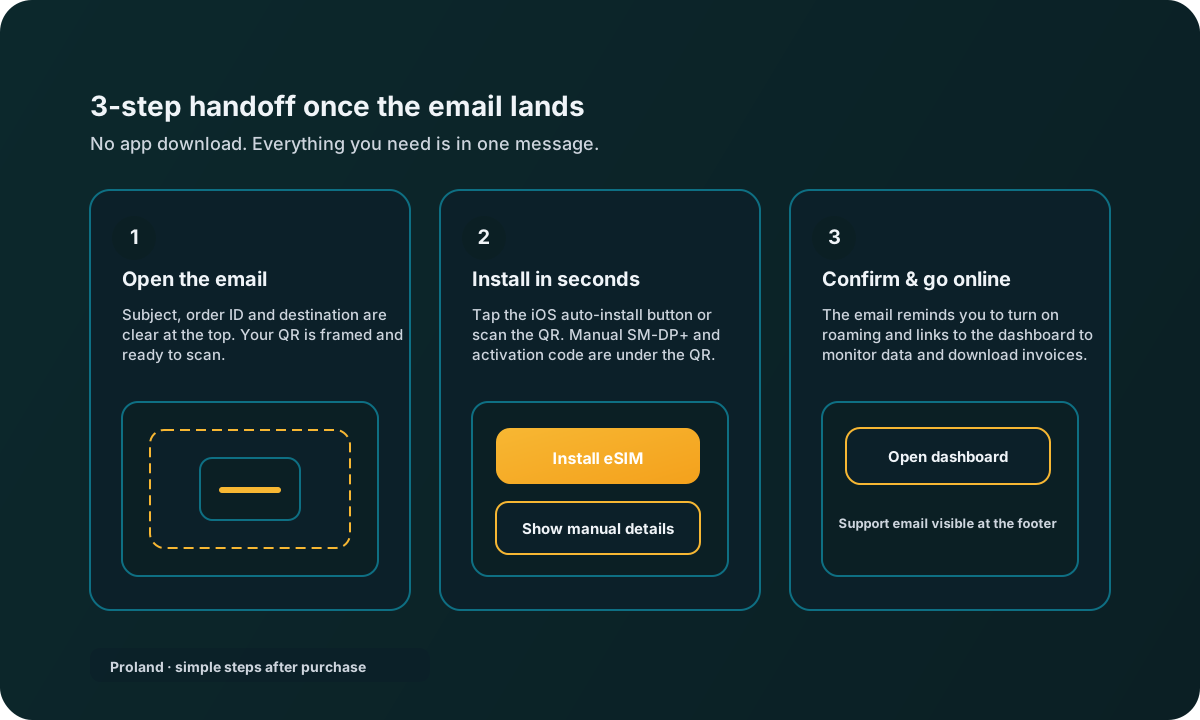
From inbox to data in minutes
No extra apps. Follow the email and you are connected:
- Open the email — the QR and “Install eSIM” button are at the top.
- If you prefer manual setup, use the SM-DP+ address and Activation Code right under the QR.
- Turn on data roaming and use the dashboard link to confirm you are online.
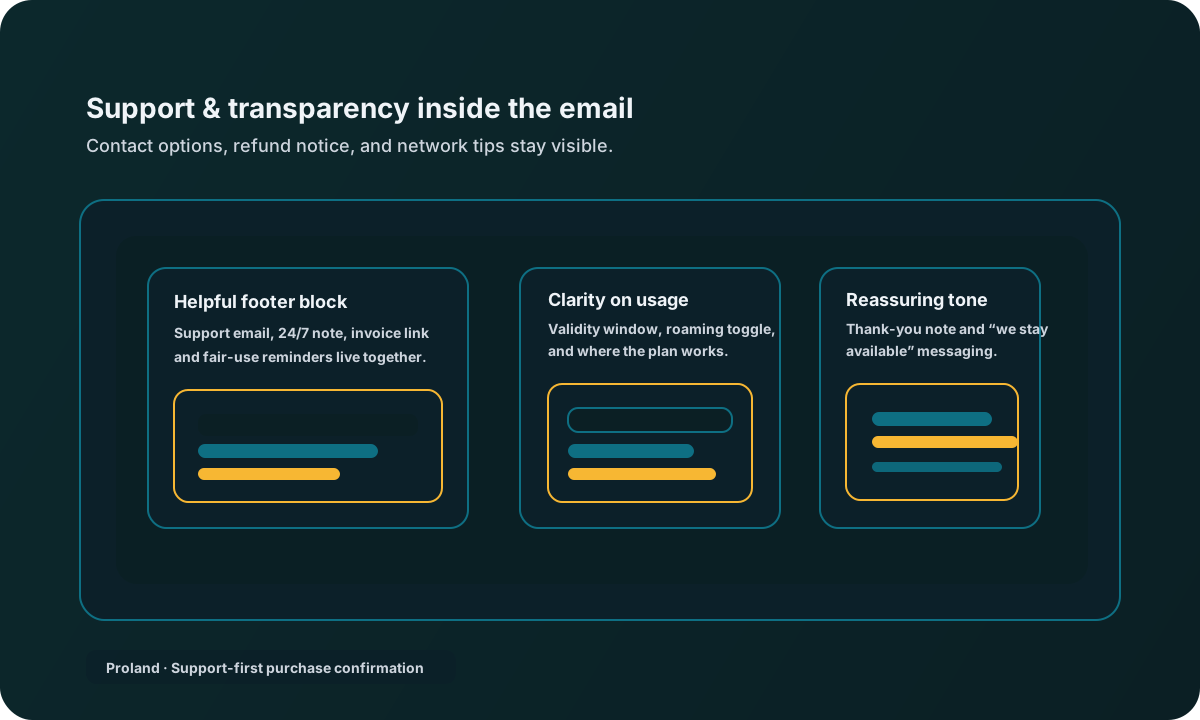
Support and transparency built in
- Visible support address (hello@proland.lv) with a 24/7 note.
- Reminder about validity window, fair use, and roaming toggle.
- Invoice download and dashboard links stay in the same thread for future reference.